
Agents available nowLines open 10am–6pm CT·Free address check

Fiber Internet, Symmetrical on Every Tier

Glass to the premises, upload matching download, and latency low enough that the connection stops being something you think about. Four tiers, every figure listed.

Call to check fiber at your address(800) 775-0733

Free call · Speak to a person · Address checked on the call

Availability and terms depend on the address, so both are confirmed on the call. You will speak to a person who can check your exact address against the live system.

Fibrix Solutions Inc. is an independent authorized reseller of internet and home security service. We are not the service provider: service, equipment, billing and account help come from the provider you choose. We sell new service only and cannot access existing accounts or bills. Availability and terms are confirmed for your exact address before you order. Read the full disclosures.

Specifications

Fiber 300

300 Mbps

300 Mbps upload · 8-14 ms latency

Term
Month-to-month
Install
Professional
  • Upload matches download, so a 4K video call is unaffected by someone uploading at the same time
  • No data cap and no throttling threshold
  • Month-to-month with no term commitment

Details verified August 28, 2026

Fiber 500

500 Mbps

500 Mbps upload · 8-14 ms latency

Term
12 months
Install
Professional
  • Symmetrical 500 Mbps — a household can stream, back up to cloud storage and hold two video calls without contention
  • No data cap
  • Supports roughly 12-18 simultaneously active devices before contention is noticeable

Details verified August 28, 2026

Fiber 1 Gig

1000 Mbps

1000 Mbps upload · 6-12 ms latency

Term
12 months
Install
Professional
  • 6 GHz band is uncontended by older devices, so the gigabit is reachable over Wi-Fi and not only on the wire
  • Symmetrical upload sustains multi-camera security recording to cloud storage without degrading other traffic
  • No data cap

Details verified August 28, 2026

Fiber 2 Gig

2000 Mbps

2000 Mbps upload · 6-12 ms latency

Term
12 months
Install
Professional
  • 10 Gbps WAN port on the gateway, so the line is not the bottleneck if you add multi-gig LAN later
  • Wi-Fi 7 multi-link operation holds a stable connection across 5 GHz and 6 GHz simultaneously
  • Symmetrical 2 Gbps — relevant for large media uploads, not for streaming; most households will not saturate it

Details verified August 28, 2026

Call to check which fiber tiers reach you(800) 775-0733

Availability and terms depend on the address, so both are confirmed on the call. You will speak to a person who can check your exact address against the live system.

Who This Suits

Fiber is the right default where it reaches. Which tier is right depends on what happens simultaneously in your house at the busiest moment of a typical evening — not on how many devices you own.

Two to three people, mostly streaming

300 Mbps. Three simultaneous 4K streams need roughly 75 Mbps, and the symmetrical 300 Mbps upload means a video call is unaffected by a cloud backup running behind it. Month-to-month on this tier, which is the only one without a term.

Four or more, with home working

500 Mbps. Two people on 1080p calls take roughly 8 Mbps up, four security cameras uploading take another 12 Mbps, and a large game download will take whatever is spare. This is where symmetrical upload stops being a specification and starts being the reason the calls do not stutter.

Heavy upload or a wired workstation

1 Gig or 2 Gig. Worth buying for genuine multi-user upload demand — video editing, large file transfers, multi-camera recording — or for a multi-gig LAN. A single laptop will not see above 1 Gbps without a 2.5 Gbps network port, so buy these for the household, not for one machine.

Equipment and Specification Detail

Every figure for every tier. National comparison sites publish a price and three bullets; this is the full sheet, because with no price on the page the specification is what you are choosing on.

A bright living room with a wireless gateway on a side table and a laptop open on the coffee table.

Fiber 300

Details verified August 28, 2026

  • Upload matches download, so a 4K video call is unaffected by someone uploading at the same time
  • No data cap and no throttling threshold
  • Month-to-month with no term commitment
  • Gateway covers roughly 1,500 sq ft; larger homes need a mesh extender on the same account
  • Latency low enough for competitive gaming on a wired connection
Download
300 Mbps
Upload
300 Mbps
Symmetry
Symmetrical — upload matches download
Latency
8-14 ms typical
Data allowance
No cap
Gateway
Wi-Fi 6 fiber gateway, dual-band
Wi-Fi standard
Wi-Fi 6 (802.11ax)
Term
Month-to-month
Early termination
Month-to-month. No early termination charge; equipment must be returned within 21 days of disconnection or a non-return charge applies.
Install type
Professional install
Install lead time
3-7 business days

Fiber 500

Details verified August 28, 2026

  • Symmetrical 500 Mbps — a household can stream, back up to cloud storage and hold two video calls without contention
  • No data cap
  • Supports roughly 12-18 simultaneously active devices before contention is noticeable
  • Gateway includes a 2.5 Gbps LAN port for a wired workstation or NAS
  • Static IP available as an add-on on this tier and above
Download
500 Mbps
Upload
500 Mbps
Symmetry
Symmetrical — upload matches download
Latency
8-14 ms typical
Data allowance
No cap
Gateway
Wi-Fi 6 fiber gateway, dual-band
Wi-Fi standard
Wi-Fi 6 (802.11ax)
Term
12 months
Early termination
12-month term. Early termination is prorated against the months remaining; the charge falls each month you stay.
Install type
Professional install
Install lead time
3-7 business days

Fiber 1 Gig

Details verified August 28, 2026

  • 6 GHz band is uncontended by older devices, so the gigabit is reachable over Wi-Fi and not only on the wire
  • Symmetrical upload sustains multi-camera security recording to cloud storage without degrading other traffic
  • No data cap
  • Wired 1 Gbps to a single device is achievable; over Wi-Fi expect 700-900 Mbps within one room of the gateway
  • Two-year price lock is not offered on this tier — confirm term structure on the call
Download
1000 Mbps
Upload
1000 Mbps
Symmetry
Symmetrical — upload matches download
Latency
6-12 ms typical
Data allowance
No cap
Gateway
Wi-Fi 6E tri-band gateway
Wi-Fi standard
Wi-Fi 6E (802.11ax, 6 GHz)
Term
12 months
Early termination
12-month term. Early termination is prorated against the months remaining.
Install type
Professional install
Install lead time
5-10 business days

Fiber 2 Gig

Details verified August 28, 2026

  • 10 Gbps WAN port on the gateway, so the line is not the bottleneck if you add multi-gig LAN later
  • Wi-Fi 7 multi-link operation holds a stable connection across 5 GHz and 6 GHz simultaneously
  • Symmetrical 2 Gbps — relevant for large media uploads, not for streaming; most households will not saturate it
  • Requires a device with a 2.5 Gbps or faster network port to see above 1 Gbps on a single machine
  • No data cap
Download
2000 Mbps
Upload
2000 Mbps
Symmetry
Symmetrical — upload matches download
Latency
6-12 ms typical
Data allowance
No cap
Gateway
Wi-Fi 7 tri-band gateway with 10 Gbps WAN
Wi-Fi standard
Wi-Fi 7 (802.11be)
Term
12 months
Early termination
12-month term. Early termination is prorated against the months remaining.
Install type
Professional install
Install lead time
5-10 business days

Contract and Commitment

Term. Fiber 300 is month-to-month with no commitment. Fiber 500, 1 Gig and 2 Gig carry a 12-month term.

Early termination. On the 12-month tiers the charge is prorated against the months remaining, so the exposure falls each month you stay. On the month-to-month tier there is no early termination charge at all.

Equipment. The gateway stays with the service. It is not a purchase, and it must be returned within 21 days of disconnection or a non-return charge applies. It terminates the optical line, so unlike the non-fiber tiers it cannot be replaced with your own hardware — though it can run in bridge mode with your own router behind it.

Autopay. Available and not required. The specific commercial terms attached to it are address-dependent and are confirmed on the call.

Related Pages

Why availability and terms are address-specific

What provisions at your address depends on the build that reaches your street and the tiers available on it, neither of which is the same two streets over. That is why this page publishes the full specification and confirms the commercial terms on the call rather than printing a figure that would be wrong for most readers.

Common Questions

Why does fiber upload matter if I mostly stream?

For streaming alone, it does not. It matters when several things upload at once — a video call while a cloud backup runs while a security camera pushes clips. On an asymmetrical line those three contend for a narrow return channel and the call is what degrades. On fiber they do not contend.

What is actually installed at my house?

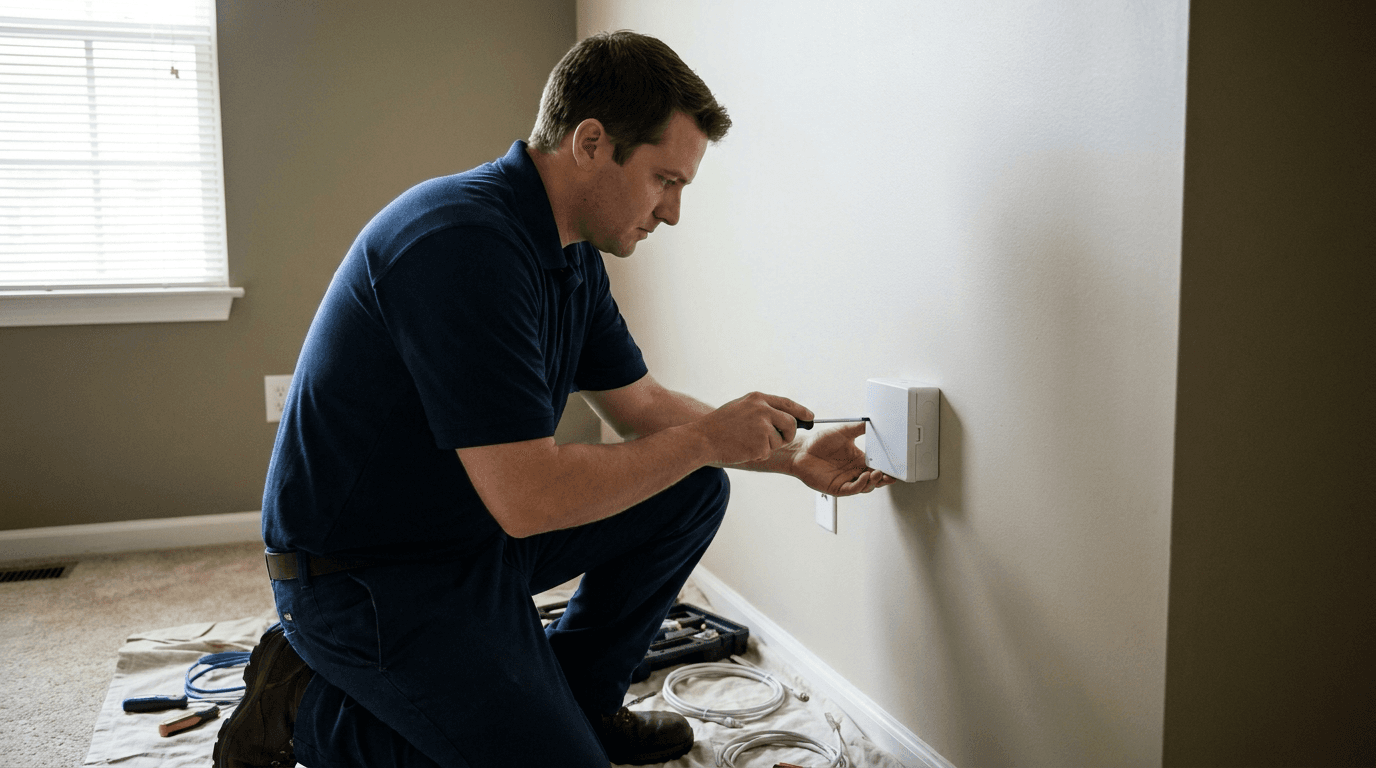
A fiber drop from the street or pole to the building, an optical network terminal mounted on an interior wall near where the drop enters, and the gateway which plugs into it. The technician chooses the interior location with you — it needs mains power and reasonably central placement for Wi-Fi coverage, and those two requirements sometimes conflict.

Will I get the full advertised speed over Wi-Fi?

Within a room of the gateway, close to it. Across a house, no — expect 700 to 900 Mbps over Wi-Fi on a gigabit line, and less through masonry or across floors. A wired connection gets the full line rate. This is a property of Wi-Fi, not of the service, and anyone claiming otherwise is selling something.

Does the gigabit tier need special equipment in my devices?

To exceed 1 Gbps on a single machine, yes — the device needs a 2.5 Gbps or faster network port, and most laptops have 1 Gbps or Wi-Fi only. The 2 Gig tier is worth buying for aggregate household throughput or a multi-gig LAN, not for a single computer.

How much notice do I need to give for the install appointment?

Three to seven business days where a drop already reaches the property. Five to ten where the drop has to be built, and longer again if that requires trenching across a garden or permission from a building owner. We establish which case you are in on the call rather than booking optimistically.

Find Out Whether Fiber Reaches Your Address

Fiber builds cover one side of a street and not the other. It is an address-level question, and a person can check the live system while you are on the line.

Every day, 10am–6pm CT (11am–7pm ET, 8am–4pm PT)

Check fiber at your address(800) 775-0733Agents available nowLines open 10am–6pm CT